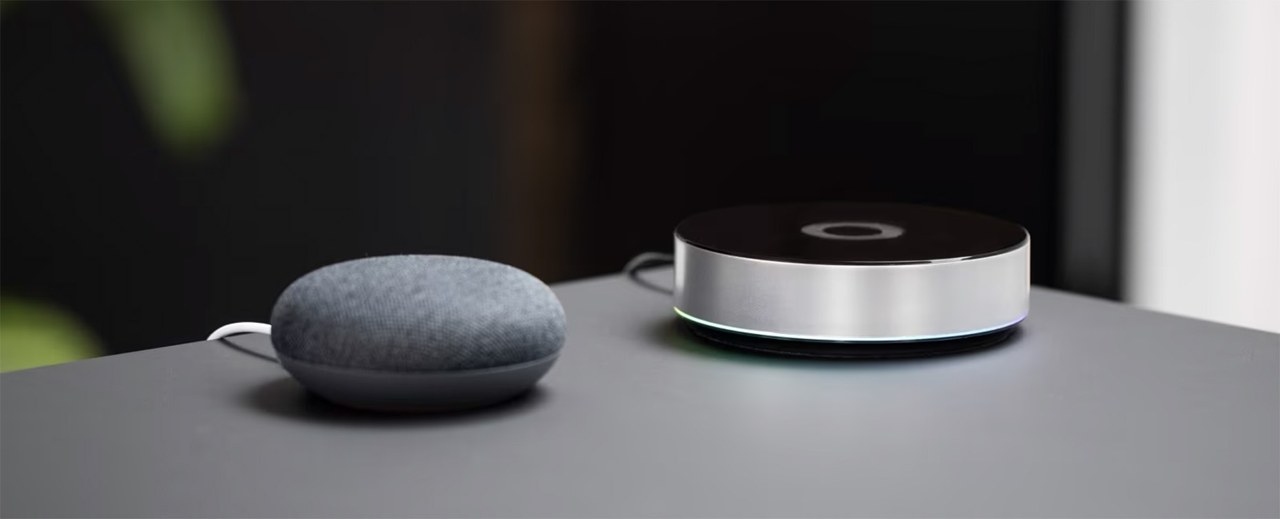
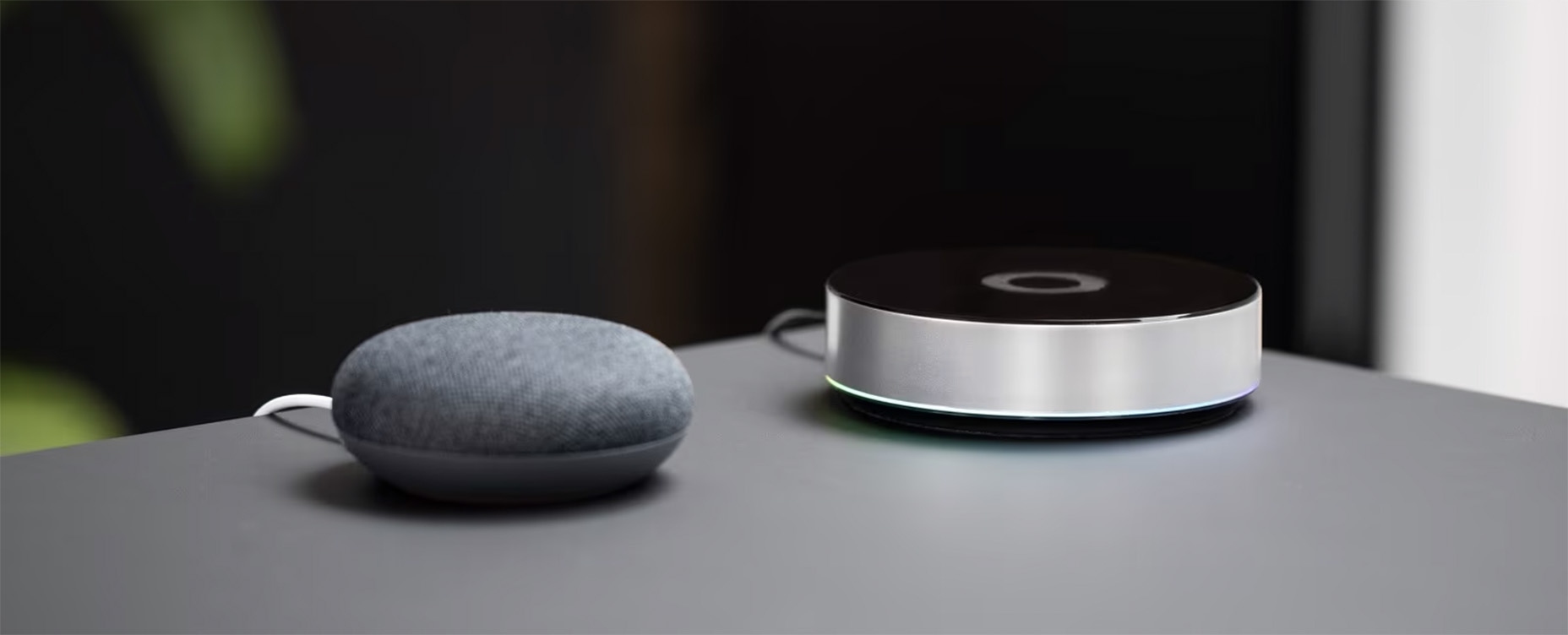
Amazon Alexa, Apple Home, and Google Home work well for everyday tasks such as voice-controlled lighting or quick adjustments from a phone. This comparison favors Homey for homes that need more: layered routines, energy management, safety alerts, and coordinated devices from many brands.
The distinction is between convenient individual controls and a system that can adapt its behavior to several conditions at once.
More flexible automation with Flows
Consider leaving a garden office on a winter evening. Locking the door could turn off the desk lights and close the blinds. If sunset has passed, garden lights could illuminate the walk home, then switch off five minutes later. On a bright summer afternoon, the same routine could leave those lights off.
Many platforms support straightforward actions: switching on a light after motion, reducing a thermostat’s nighttime setting, or sending an alert when a door/window sensor opens. Complexity grows when those actions must also account for sunset, presence, active heating, or high energy prices. On most systems, that can require several separate automations.
Homey organizes this logic through Flows and Advanced Flows. Flows use triggers, conditions, and actions; they can combine multiple triggers, conditions, and outcomes rather than distributing one routine across many places. This gives experienced users deeper control while keeping richer routines easier to follow.
Use more of the information devices provide
Devices can expose information that smart home platforms do not always make available. Climate sensors may report temperature, humidity, and target temperature changes. Smart plugs can reveal whether a washing machine is running, finished, or drawing standby power. Smoke and CO detectors can contribute to broader safety routines instead of acting only as standalone alarms.
Homey can use these signals to trigger actions and notifications. A bathroom fan can respond to rising humidity, while heating can react to presence and temperature changes. A child’s bedroom light switching on in the morning could send a notification, with a variable recording the exact wake-up time without checking cameras or separate apps.
How the platforms compare
The following table rates privacy and security, supported connectivity, offline reliability, automation depth, and subscription requirements.
| Privacy and Security |
Connectivity Support |
Works without internet |
Advanced automation |
Subscription for core use |
Overall score |
|
|---|---|---|---|---|---|---|
| Homey Pro | 9/10 | 10/10 | 9/10 | 10/10 | 10/10 | 48/50 |
| Apple Home | 9/10 | 7/10 | 8/10 | 7/10 | 9/10 | 40/50 |
| Amazon Alexa | 6/10 | 8/10 | 5/10 | 6/10 | 7/10 | 32/50 |
| Google Home | 7/10 | 7/10 | 5/10 | 6/10 | 8/10 | 33/50 |
| SmartThings | 7/10 | 8/10 | 6/10 | 7/10 | 8/10 | 36/50 |
The comparison places Homey first for its combination of broad connectivity, sophisticated automation, local-first operation with Homey Pro, and no required subscription for the core Homey Pro experience. Alexa stands out for voice control; Apple Home emphasizes simple, polished device control, especially for Apple users; Google Home offers familiar, approachable basic controls. SmartThings also retains a strong ecosystem.
For complex routines and a growing mix of devices, the article’s preference is Homey. The alternatives remain useful when straightforward control or voice interaction is the priority.
Direct connections and local operation
Alexa, Google Home, and Siri are characterized here as voice assistants with smart home features, primarily reaching devices through manufacturers’ cloud services. In this comparison, they do not communicate directly over Zigbee, Z-Wave, Bluetooth, Infrared, or 433 MHz. Adding a Zigbee sensor or Z-Wave lock therefore almost always involves the brand’s hub and app, followed by a link to the voice assistant.
Homey Pro instead supports direct connections using Zigbee, Z-Wave, Thread, Matter, Wi-Fi, Bluetooth, Infrared, and 433 MHz, depending on the device and region. This avoids an intervening vendor hub and keeps local connections and automation logic together rather than spread across apps.
Homey Pro can run apps and Flows locally, allowing many automations to continue without internet access. Integrations that rely on cloud services may still require an internet connection. The core Homey Pro experience does not require a subscription.
Bring mixed-brand devices into shared routines
A home may combine Philips Hue lighting, Tado heating, IKEA blinds, Aqara sensors, Ring security, Sonos speakers, a robot vacuum, and assorted smart plugs. Homey is designed to unite different brands and technologies in one app, letting locks, cameras, speakers, and lights participate in shared automations.
Those connections can serve comfort, energy efficiency, and safety together:
- When everyone leaves, a routine can turn off forgotten appliances through smart plugs, reduce heating, close blinds, and activate security devices.
- A water leak detector can trigger a notification before a leak causes greater damage.
- High solar production can prompt energy-hungry devices to run at more suitable times.
- Energy monitoring, heating automation, and device control can respond to household routines.
Starting with Homey
Homey supports simple Flows as well as more advanced routines, so an initial setup does not need to be complex. A smart light, motion sensor, smart plug, or thermostat provides a practical starting point for everyday automations. Begin with one useful Flow and expand as your needs grow.
Alexa remains a strong choice for voice commands, Apple Home for polished simplicity, and Google Home for convenient basic control. Homey’s advantage in this comparison is the depth of its automation logic, its range of connections, and Homey Pro’s local-first approach.
Key terms
- Homey
- A smart home platform that brings devices, apps, and automations together.
- Homey Pro
- Homey’s dedicated hub for local-first control, broad connectivity, and advanced automation.
- Flow
- A Homey automation built from triggers, conditions, and actions.
- Trigger
- An event that starts an automation, such as motion detection or a door locking.
- Condition
- A check that determines whether an automation proceeds, such as whether sunset has passed.
- Action
- An automation’s result, such as switching on a light or sending a notification.
- Variable
- A stored value, such as a time, number, or status, used by automations.
- Matter
- A smart home standard intended to help products from different brands work together.
- Thread
- A low-power wireless networking technology often used by Matter devices.
- Zigbee
- A widely used low-power wireless protocol for lights, sensors, and plugs.
- Z-Wave
- A smart home wireless protocol commonly used for sensors, switches, locks, and security equipment.
- Local control
- Control carried out within the home rather than depending entirely on the cloud.
- Cloud integration
- A connection that links a device or brand to a smart home system through an online service.
- Presence
- Information indicating whether someone is home or away.
- Automation clutter
- The complexity created when a single idea requires many separate automations.

