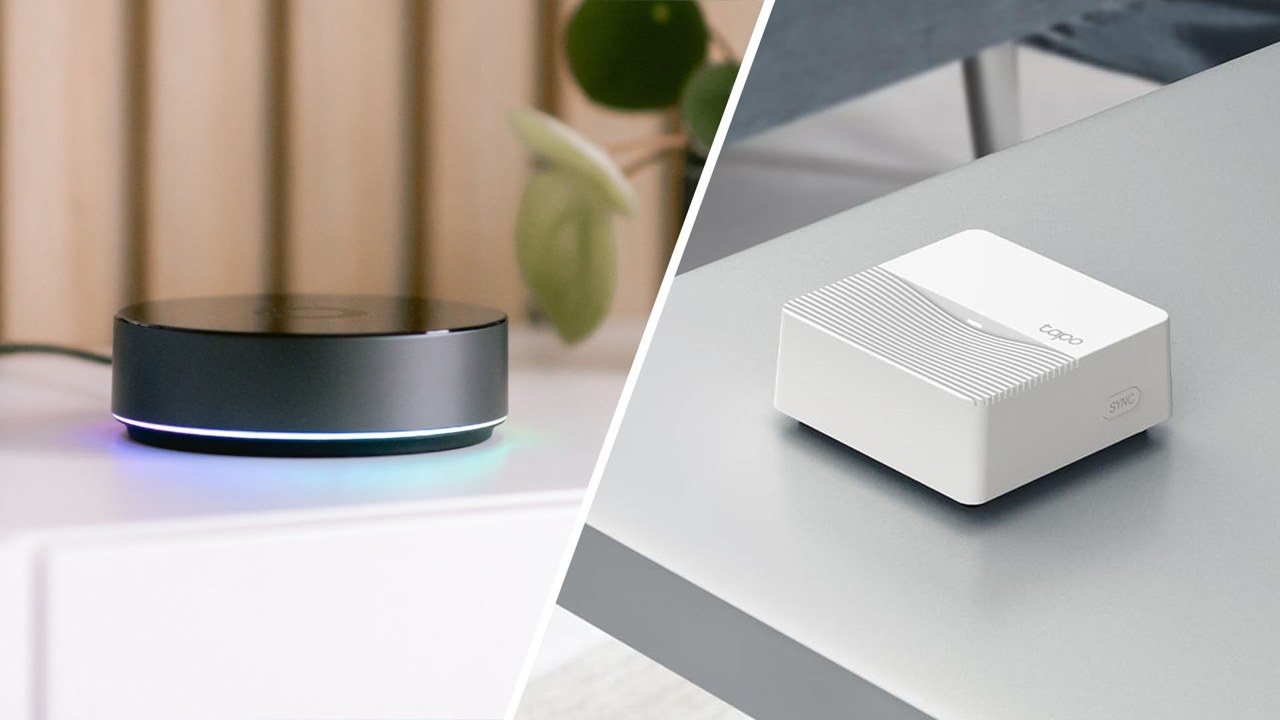
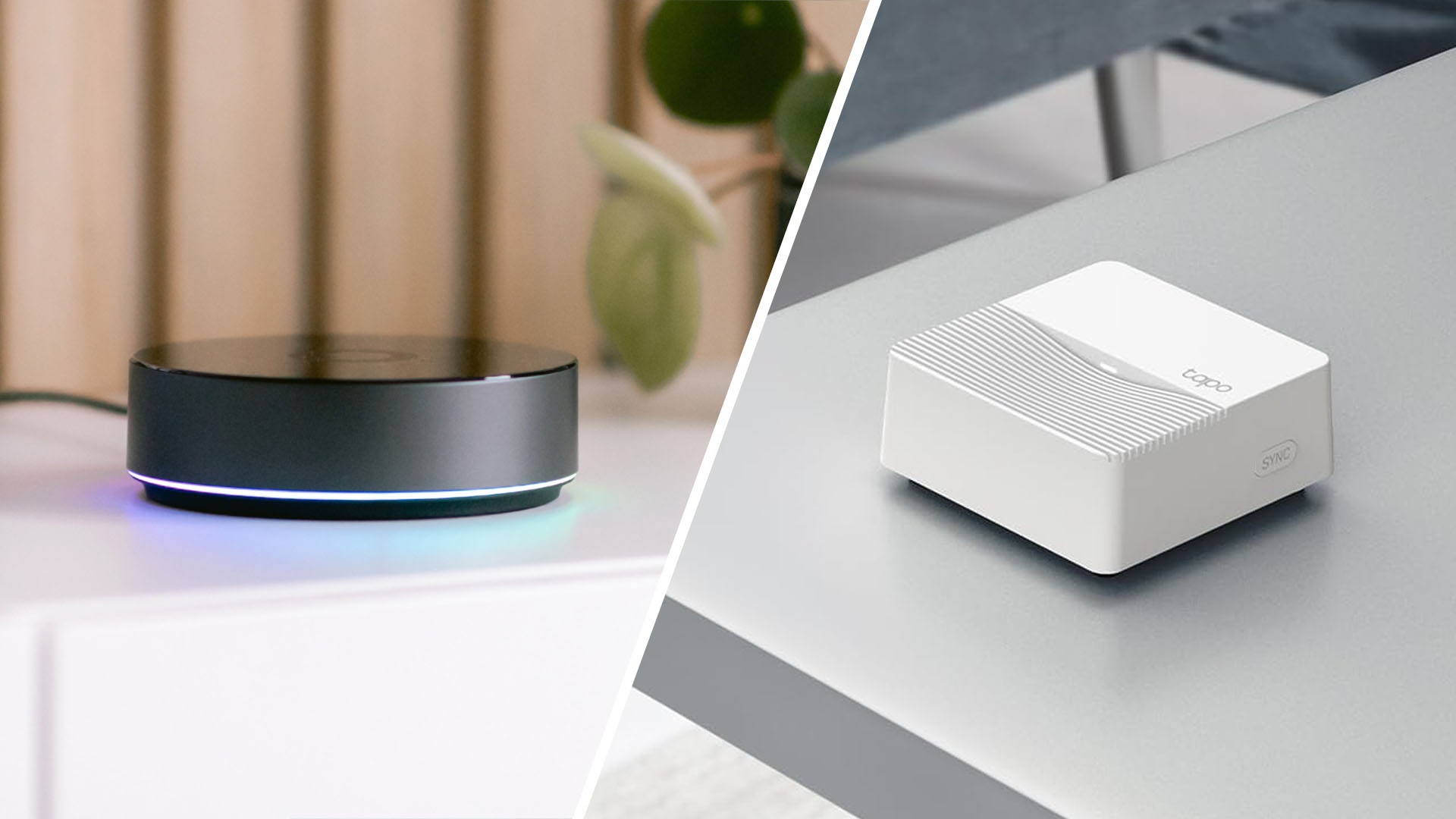
What each platform offers
TP-Link has two smart home brands, each with its own app. Kasa, the longer-established range, focuses largely on Wi-Fi plugs, bulbs, switches and cameras. Tapo is newer and more budget-focused, offering similar products along with most of TP-Link’s battery-powered sensors and hub-based accessories.
Homey is a dedicated platform for bringing devices from different brands and protocols together, including TP-Link products. Kasa and Tapo are straightforward choices for controlling mainly TP-Link Wi-Fi devices in one app; Homey suits setups that need multiple brands and protocols working in the same Flow.
Connections and hub requirements
Most Kasa and Tapo plugs, bulbs, switches and cameras connect directly to Wi-Fi without a separate hub. Battery-powered sensors and some accessories instead require a Kasa or Tapo hub. These hubs connect to the router over Wi-Fi and communicate with sub-devices using TP-Link’s proprietary sub-1GHz radio, which provides longer-range, low-power communication.
Some TP-Link hubs also provide a limited Matter bridge, exposing selected sub-devices to Apple Home, Google Home or Alexa. Matter support does not yet cover every device type.
On supported models, Homey Pro offers Zigbee, Z-Wave, Matter, Thread, Wi-Fi, Bluetooth, Infrared and 433 MHz. Kasa and Tapo products can connect through Homey’s own Kasa and Tapo apps, or through Matter when a compatible TP-Link hub and supported sub-devices are involved.
This allows a TP-Link plug to participate in a Flow with a motion sensor, door sensor and thermostat from other manufacturers rather than remaining confined to its original app.
| Category | TP-Link Kasa / Tapo | Homey |
|---|---|---|
| Best for | Simple Wi-Fi control of TP-Link's own devices | A flexible, mixed-brand smart home |
| Device ecosystem | Kasa and Tapo devices, plus limited sub-1GHz sensors via TP-Link's own hubs | Many brands through Homey apps and protocols |
| Connectivity | Wi-Fi, with a proprietary sub-1GHz radio on hub-based devices | Zigbee, Z-Wave, Matter, Thread, Wi-Fi, Bluetooth, Infrared, 433 MHz on supported Homey Pro models |
| Automations | Smart Actions, trigger-and-action rules built in the Kasa or Tapo app | Multi-brand, multi-condition Flows |
| App experience | Separate apps for Kasa and Tapo devices | One app for many brands and device types |
| Cloud dependence | TP-Link account needed for most features | Local-first control, with cloud features where needed |
| Best upgrade path | Add more Kasa or Tapo devices to the matching app | Add devices from many brands over time |
| Flexibility | Good | Excellent |
| Overall recommendation | Best for a small, TP-Link-only setup | Best for a smart home that grows across brands |
Smart Actions versus Homey Flows
Both TP-Link apps include Smart Actions. This automation feature offers templates for motion-triggered lighting, switch-controlled devices, scheduled scenes and auto-off timers, as well as custom trigger-and-action pairs. It works within the respective TP-Link device range and the small set of partner integrations TP-Link directly supports.
TP-Link is shutting down IFTTT support for both Kasa and Tapo and directs users to Smart Actions instead. Homey Flows can combine triggers, conditions and actions from any supported brand or protocol, allowing unrelated products, such as a smart plug and smoke detector, to participate in one routine.
A Kasa or Tapo Smart Action might switch a porch light on at sunset and off at a scheduled time, or activate a lamp when a camera senses motion, provided the devices involved are in the same TP-Link app.
A Homey Flow could instead turn off a coffee machine through a TP-Link plug, close another brand’s blind at sunset and check energy prices to decide whether a water heater should run overnight.
Cloud dependence and local operation
Kasa and Tapo rely on a TP-Link cloud account for remote access, firmware updates and most automation features. Their devices expose local network protocols that third-party tools can use, but TP-Link does not document or officially support this approach for everyday users.
Homey Pro is designed with greater emphasis on local control. Automations using devices on Zigbee, Z-Wave or 433 MHz can continue through an internet outage when handled by one controller. A cloud-first setup such as Kasa or Tapo does not offer the same guarantee.
Which is the better fit?
- Choose Kasa or Tapo for a small, mostly TP-Link setup if Smart Actions provides the automation you need.
- Choose Homey for broader protocol support, mixed-brand devices or Flows that extend beyond one manufacturer’s range.
Homey also offers a way to unite devices spread across the separate Kasa and Tapo apps. Moving to it does not require replacing your existing TP-Link equipment: most Kasa and Tapo devices can be added through Homey’s apps, with supported hub-based sub-devices also accessible through Matter.

