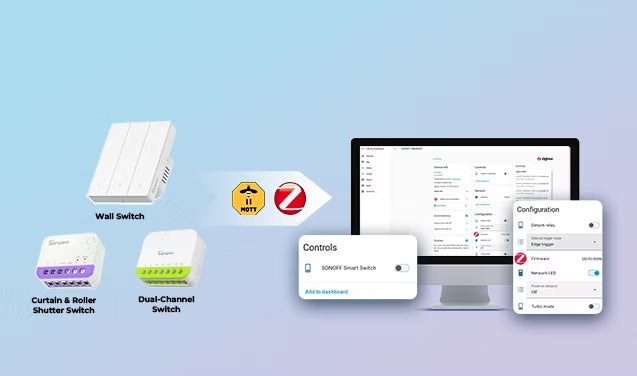
Smart switches bring remote control, automated lighting, and everyday routines to Home Assistant. Choosing carefully matters: cloud dependence, limited integration support, and reliability problems can become more noticeable as a system grows.
This guide covers wiring and load checks, the differences between Zigbee, Matter, and Wi-Fi, integration requirements, and useful automations.
Five checks before choosing a switch
Does the switch box have a neutral wire?
Many older homes in the UK, Europe, and parts of Asia lack a neutral wire at the switch box, although most standard smart switches need one to remain powered.
No-neutral options include the single-channel SONOFF ZBMINIL2 and dual-channel MINI-ZB2GS-L. Designed for retrofits without rewiring, they fit small EU/86/120-type mounting boxes and retain existing wall switches.
To check, open the switch box: a no-neutral installation often has only two wires attached to the switch—live in and switched live out. Additional wires bundled at the back, separate from the switch, may be neutrals.
Caution: Wire color alone cannot reliably identify a neutral because standards differ by country and installation. Neutrals are often grouped separately and may have a different color from the switch wires. If uncertain, consult the home’s wiring diagram or a qualified electrician before installation.
Replace the wall switch or hide a relay?
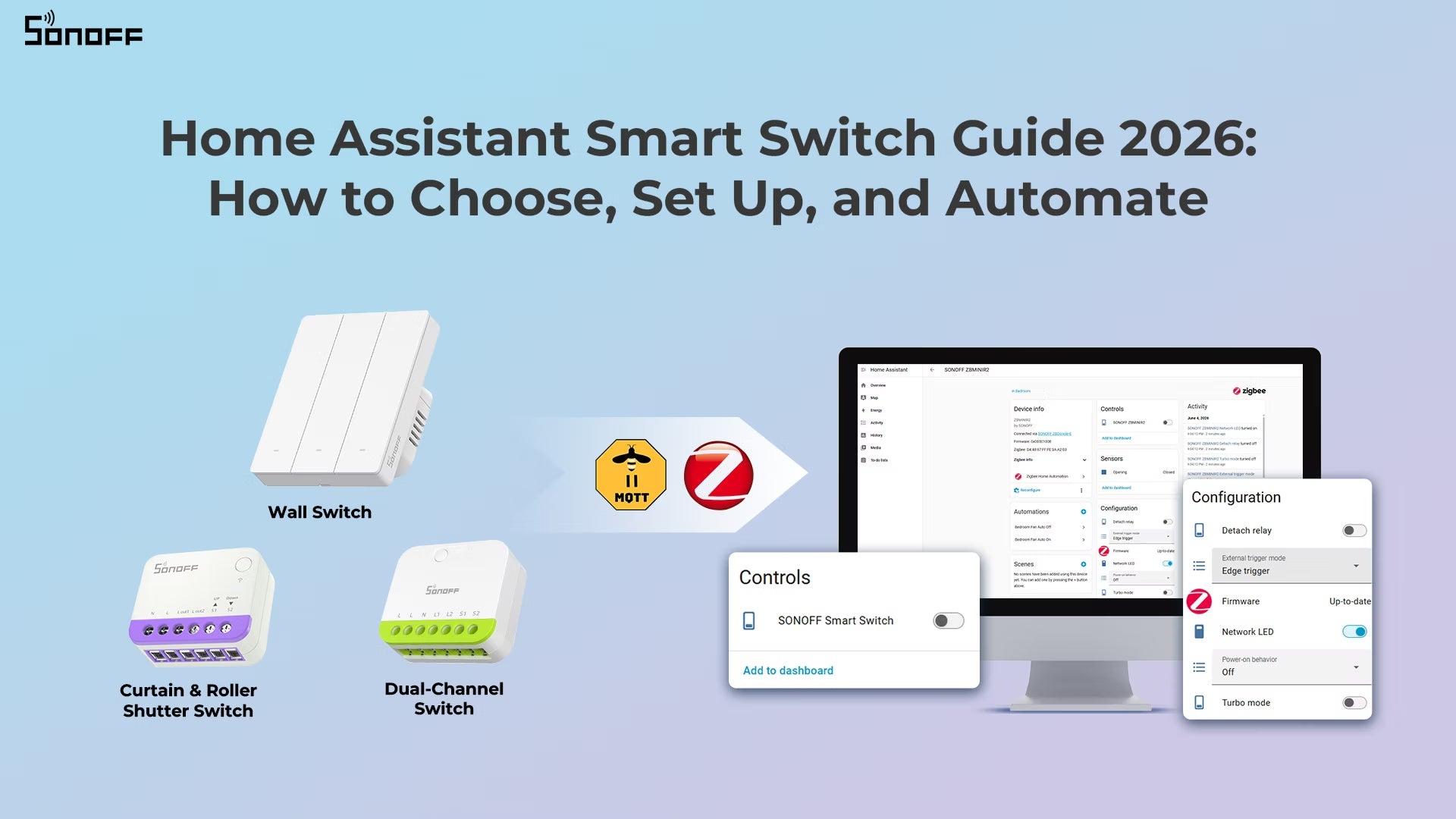
- Wall smart switches replace existing switches, making them suitable for new builds, full renovations, or a deliberately updated appearance. Options include M5 Matter, ZBM5 (120-Type), ZBM5 (86/80-Type), and TX Gen2 (touch wall switch).
- Hidden relay modules sit behind existing switches, preserving wall plates and buttons—useful in rentals or period homes. Zigbee options include ZBMINIR2 and MINI-ZB2GS (dual-channel); Matter options include MINIR4M and MINI-2GS (dual-channel).
Are the bulbs conventional or smart?
Regular bulbs need no special switch feature. Smart bulbs are different: a conventional smart switch cuts their power when switched off, taking them offline and preventing automations from reaching them.
Choose a switch with Detached Relay Mode to keep smart bulbs powered. The physical switch sends a signal to Home Assistant, which can then turn the bulb off, adjust brightness or color, or activate a scene.
What load will the switch control?
An unsuitable switch can malfunction or damage equipment. Match the switch to its load before purchasing.
| Device or load | Required features | Suggested switches |
|---|---|---|
| Standard lights: LED, incandescent, halogen, etc. | Almost any standard switch | ZBMINIR2, MINI-ZB2GS, MINIR4M, TX Gen2, MINI-2GS, ZBM5 (120-Type), ZBM5 (86/80-Type), BASIC-1GS |
| Smart bulbs | Detached Relay Mode support | ZBMINIR2, MINIR4M, TX Gen2, MINI-2GS, MINI-ZB2GS, BASIC-1GS |
| Household appliances: ceiling fans, exhaust fans, humidifiers, small pumps, coffee makers, electric kettles, etc. | An inductive load rating that accommodates inrush current | |
| Dry contact devices: garage doors, boilers, electric gates, water pumps, fire alarm systems, etc. | An isolated dry contact relay with no load current, suitable for control signals | MINI-D, MINI-ZBD |
| Dimmable lights: dimmable LED lamps, incandescent and halogen bulbs, dimmable electronic transformers, etc. | A smart dimmer for stable, smooth dimming. Match its rated wattage and voltage to the bulbs and confirm bulb dimmer compatibility. | MINI-DIM, MINI-ZBDIM |
| Curtains, roller blinds, shutters, projector screens, etc. | A curtain/blind controller supporting the motor and open/stop/close directions | MINI-RBS, MINI-ZBRBS |
Warning: Check the connected device’s rated power, current, and voltage. Exceeding a switch’s maximum load, such as 10A/16A, can cause overheating or fire.
How much wireless coverage is needed?
- For larger homes, Zigbee is preferred. Most mains-powered Zigbee switches and relay modules route signals to devices farther from the coordinator. Single-live (no-neutral) devices and operation in no-neutral mode typically do not provide routing. For homes over 2,000 sq ft or with thick walls, plan at least 3–5 wired Zigbee devices spread throughout the home.
- For small apartments or single-room installations, Wi-Fi or Matter may be sufficient without mesh infrastructure.
Choose a communication protocol
The protocol affects reliability, integration, and how well the system fits your home.
|
Protocol |
✅ Pros |
❌ Cons |
Best For |
|
Zigbee |
Local control, fast response, stable network, lower power consumption |
Requires a Zigbee coordinator |
Large smart home setups, multi-device setups |
|
Matter |
Cross-platform compatibility, local control, easy pairing |
Smaller ecosystem compared to Zigbee; some features are still evolving |
Cross‑ecosystem households, users who don't want a dedicated Zigbee hub, and simple setups |
|
Wi-Fi |
No hub or coordinator needed, connects directly to the existing router, easy setup |
Many devices rely on cloud communication, which may cause delays, limited local control, or stop working during internet outages, and high power use |
Small setups, quick upgrades |
Before buying Wi-Fi switches, confirm that the brand offers an official Home Assistant integration or active community support.
Zigbee is a common starting point for Home Assistant because it balances reliability, local control, and device availability. Matter is developing quickly, particularly for cross-platform homes, while Wi-Fi can be simpler for small installations.
Z-Wave and Thread alternatives
Home Assistant also supports Z-Wave and Thread, although they are less common for smart switches than Zigbee, Matter, or Wi-Fi.
- Z-Wave provides reliable mesh networking and strong interoperability, but switches generally cost more than Zigbee alternatives and the device ecosystem is smaller.
- Thread is a low-power mesh networking layer used by some devices as “Matter over Thread”. It offers better mesh networking and lower power consumption than Matter over Wi-Fi, but needs a Thread Border Router. Few smart switches currently support it.
Connect switches to Home Assistant
Zigbee integration
Most Zigbee switches connect through one of two options:
- ZHA (Zigbee Home Automation) is built into Home Assistant, providing straightforward setup and native device support for beginners.
- Zigbee2MQTT is an open-source alternative using an MQTT broker. It supports 3,000+ devices and offers more advanced control.
You need a Zigbee coordinator, such as the SONOFF Zigbee Dongle (ZBDongle-P, ZBDongle-E). For Z2M, also install the Mosquitto broker (MQTT) and Zigbee2MQTT add-on.
Matter integration
Most Matter devices communicate over Wi-Fi or Thread and operate locally without proprietary cloud platforms. Add Matter switches directly through Home Assistant’s built-in Matter integration.
Required components are:
- Home Assistant OS with the latest Home Assistant version installed.
- The Matter integration installed in Home Assistant.
- The Home Assistant Companion App on your smartphone.
- A Matter-enabled device with its QR code or 11-digit setup code.
Wi-Fi integration
Wi-Fi defines wireless networking, not how a smart device is controlled. Manufacturers often use proprietary communication methods, so Home Assistant compatibility varies. Devices generally connect through official brand integrations, where supported, or community integrations available through HACS (Home Assistant Community Store).
- Use the brand’s official app to connect the device to Wi-Fi.
- Install the relevant integration from Home Assistant or HACS.
- Open Settings → Devices & Services in Home Assistant.
- Add the integration and follow its setup instructions.
Practical switch automations
Motion-triggered lighting
Combine a motion sensor and smart switches for entrances, hallways, and stairs:
- When motion is detected, turn the light on.
- After 1–2 minutes without motion, turn it off.
For spaces occupied for longer periods, such as living rooms, bathrooms, and offices, a human presence sensor provides more accurate detection.
Brightness that follows the time of day
With smart dimmers, Home Assistant can use 100% brightness during the day and reduce it to 15–20% after 11 PM. This avoids harsh nighttime light while retaining enough illumination to move safely.
Other examples include hallway lights at 100% by day and 5% in the middle of the night, or bedroom and nursery lights at around 10% for late-night baby feedings before returning to 80% once everyone is awake.
Timed dimming suits bathrooms, hallways, bedrooms, kitchens, and staircases, improving comfort and reducing wasted energy.
Automatic curtains and roller shutters
Use time, sunlight, or scenes to automate curtains and shutters for comfort, privacy, and lighting:
- Open curtains in the morning to bring natural light into the room.
- Close them at sunset for privacy and better sleeping comfort.
This can improve natural lighting for indoor plants. Closed blackout curtains can also serve as a cue during nighttime awakenings that it is probably still early, allowing you to return to sleep without checking the time.
Garage lighting and reminders
A dry contact smart switch connected to a garage door opener can support both control and reminders:
- Garage door opens → lights ON.
- After 10 minutes → lights OFF.
- Door open > 30 minutes → phone notification.
This is useful for nighttime arrivals, carrying groceries, unloading tools, or parking in dim conditions.
Which approach fits your home?
There is no universally best switch. Zigbee is generally a stable, scalable choice with mesh networking, local control, fast response, and lower power consumption. Matter is increasingly useful for cross-platform compatibility. Wi-Fi can be the simplest choice for a few switches, but integration support may be limited or absent.
Combining all three in Home Assistant is acceptable, provided the devices support local control.
Do switches work without cloud access?
Zigbee switches generally work entirely locally, and Matter also supports local control. Many Wi-Fi switches still depend partly on cloud services, so check before buying. Without internet, Zigbee and Matter can continue working as long as the local network (LAN) remains available; cloud-dependent Wi-Fi switches may fail.
Is Zigbee more reliable in a large home?
Zigbee is usually more stable in larger installations because its devices form a mesh rather than relying solely on a Wi-Fi router. Wi-Fi can also cover a large home using multiple access points. A key distinction is whether device commands use public protocol instructions and can be handled by gateways from different brands.
Does Matter replace Zigbee?
Not necessarily. Matter is newer and offers stronger cross-platform compatibility, but Zigbee currently has a broader device ecosystem and more mature Home Assistant support.
Can several protocols run together?
Yes. Home Assistant supports multiple protocols simultaneously, allowing Zigbee reliability, Matter compatibility, and Wi-Fi convenience within the same system.

