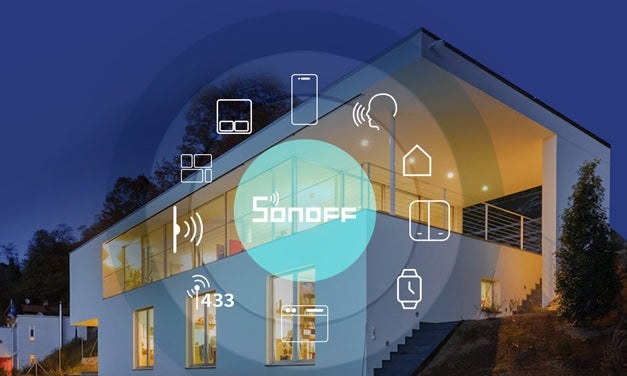
A connected home lets you switch off an upstairs light from the sofa or check appliances while you are away. Linking appliances and smart devices allows them to interact with you and one another, while potentially reducing your monthly electricity bill by up to 15%. Here are ten ways to control that connected home.
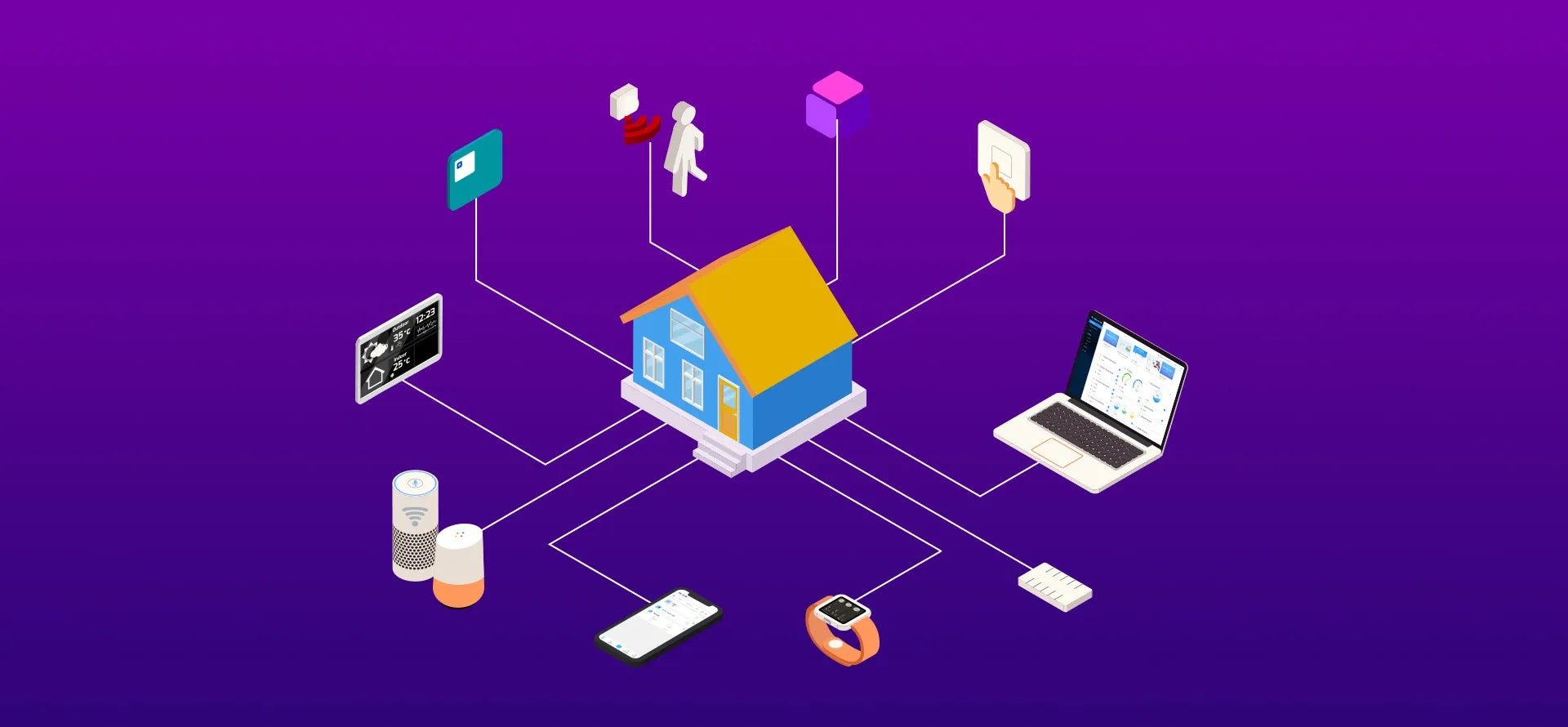
Physical wall switches
Traditional switches remain useful even after a smart home upgrade, particularly when the control system is unreliable or the internet connection is unavailable.
SONOFF MINIR4, MINIR4M, ZBMINIR2, and similar devices support dry contact sensors and external switches, including SPDT switches and NC/NO push button switches, to operate lights or appliances. With LAN Control enabled, an ordinary external switch connected to MINIR2 can turn a light on or off during a network outage.
Mobile app control
App-based systems communicate with the home network through the cloud, making it possible to manage appliances from a phone when you are away.
All SONOFF smart devices can be controlled through the eWeLink app, including connected roller shutters, lights, blinds, and heaters. Checking their status and switching them on or off remotely can help reduce electricity costs and improve security.
433MHz RF remotes
433MHz is a wireless radio band used by household devices such as switches, motorized roller blinds, garage doors, ceiling fans with lamps, and lights. Unlike infrared, its signals can pass through walls.
SONOFF products using this technology include the 4CHPROR3 4-channel smart switch with RF control, the RM433 RF remote, and some TX series smart touch wall switches. Range is a major advantage: compared with Z-Wave (868-928MHz), Zigbee (2.4 GHz), and Wi-Fi (2.4 or 5.8 GHz), the lower 433MHz frequency carries less information but penetrates walls more effectively.
Motion sensors
Passive infrared, or PIR, sensors detect movement for security and automatic lighting. A device such as the SONOFF SNZB-03P ZigBee motion sensor can trigger lights in response to human movement or send a phone alert when suspicious activity is detected.
These sensors can be mounted with 3M adhesive or screws in hallways, corridors, balconies, or corners to support lighting scenes and home security.
Control panels and Home Assistant
A smart control panel provides a central place to switch devices on and off and adjust thermostat settings. Home Assistant is another central-control option: this free, open-source smart home platform offers a web-based interface for managing devices together.
SONOFF devices with DIY mode can integrate with Home Assistant through mDNS discovery. For devices without DIY mode, the “eWeLink Add-on” connects them by linking your eWelink account.
The NSPanel Pro smart home control panel combines a 4.7-inch touchscreen with a built-in Zigbee 3.0 hub. It supports Zigbee device management, energy monitoring, live camera feeds, thermostat control, and access to favorite websites from one panel. Home Assistant can also run on NSPanel Pro.
Voice commands
Voice control lets you operate appliances without putting down what you are carrying or interrupting household tasks. Almost all SONOFF smart devices support voice assistants such as Amazon Alexa and Google Assistant, as well as Yandex Alice.
For example, SONOFF MINIRBS and ZBMINIRBS can open or close curtains by voice. SONOFF SNZB-04P supports spoken requests for a door or window’s open/closed status, while SONOFF SNZB-02D lets you check temperature and humidity with a command.
Control across devices
Smart home access need not be limited to a phone. Cross-device control spans smartphones, PCs, desktops, tablets, devices such as Chromecast and Apple TV, and wearables.
SONOFF single gang smart devices can be added to Apple Watch after the watch’s account is linked to SONOFF’s mobile app. You can then operate connected appliances from your wrist, including individual devices, groups, and smart scenes, wherever you are.
Scenes and automation
Scenes combine actions into a routine, such as lighting a hallway when the door opens at night or activating several settings with one button. They can form part of a custom-programmed or DIY automation system.
For garage control, pair SNZB-01P with MINI-D. Place the SNZB-01P where needed and use it as a portable button to open or close the garage door controlled by MINI-D, without complex wiring or fixed switches.
A scene can also use one condition to operate several devices. For example, when the SONOFF SNZB-02P temperature and humidity sensor detects a temperature not less than 28℃, a scene can turn off both a smart plug and a fan simultaneously.
The SNZB-01M 4-in-1 Zigbee button supports up to 16 smart scenes. Combined with MINI-ZB2GS and MINI-ZBDIM, a single press can switch two lights on or off through MINI-ZB2GS, while a long press dims the main light through MINI-ZBDIM.
Web browser control
Many smart devices can be operated through a website without downloading or installing an app: open the site and sign in. Compatibility still matters, so check that your devices support the web interface.
Almost every SONOFF device can be controlled through eWeLink web V4.2.0, which lets you view device status and operate devices from a web client.
Home screen widgets
Widgets put device, scene, and custom group controls directly on your smartphone’s home screen, where they can be moved or removed as needed.
In the eWelink app, tap “Add to Siri” to add devices or scenes as home screen widgets. For the iOS 14 procedure, see the guide to controlling your home with widgets.

