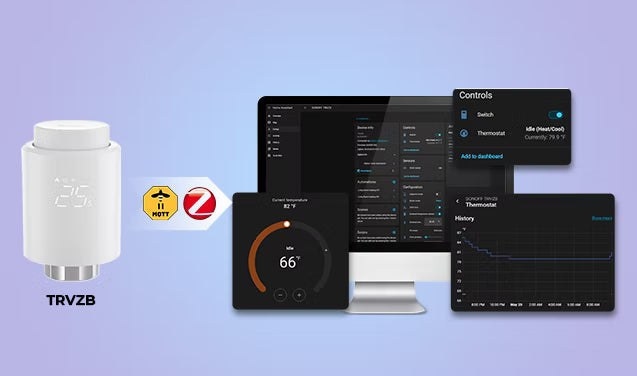
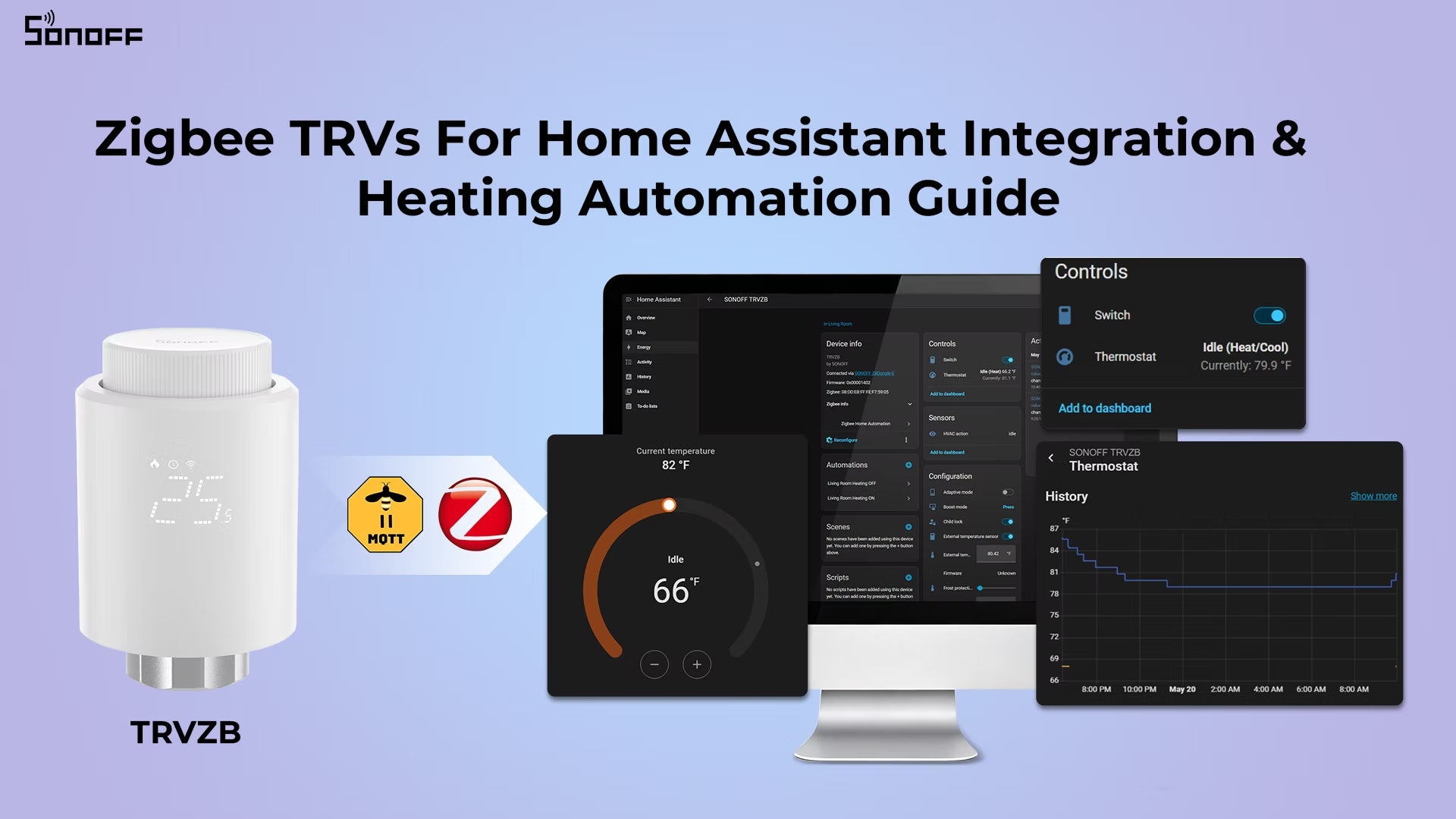
A thermostatic radiator valve (TRV) regulates hot-water flow through a radiator to maintain a room's target temperature. Each room can therefore have its own setpoint and schedule rather than depending entirely on a central thermostat.
Zigbee offers low-power local communication and a mesh network whose reliability can improve as compatible powered devices are added. Through ZHA or Zigbee2MQTT, compatible TRVs can work locally in Home Assistant alongside other brands. Local control and automations can survive an internet outage, provided Home Assistant and the Zigbee network remain online.
Features differ by model and integration. Basic temperature controls may be available without extras such as HVAC action, calibration, child lock, open-window detection or valve-position reporting.
What to check before buying
Many modern Zigbee TRVs work reasonably well with either integration. Differences often become apparent after pairing, particularly in exposed entities, temperature accuracy and automation options.
- Entities: Look for current temperature, target temperature, HVAC mode and battery level at a minimum. More capable models may expose HVAC action and temperature offsets.
- Temperature accuracy: Check which features help the valve track actual room conditions.
- Valve fitting: M30×1.5mm is the most common size in Europe, but RA, RAV or Danfoss fittings may require adapters. Confirm what is included.
- Batteries: AA batteries generally last longer than AAA batteries and are easier to replace. Proprietary packs may be less convenient over time.
- Motor noise: Frequent adjustments can be noticeable at night, especially in bedrooms.
SONOFF TRVZB
The source guide identifies the SONOFF TRVZB as a practical option for cloud-independent Home Assistant control and lists a price of $27.90. Its smart features include app-based remote control, voice commands, scheduling and group management.
- Works locally with ZHA and Zigbee2MQTT without a cloud account.
- Exposes an HVAC action entity for demand-based boiler automation.
- Typically runs for 6+ months on 3×AA alkaline batteries, which are not included.
- From firmware v1.4.4+, PID adaptive mode varies valve opening with room-temperature changes instead of relying on simple on/off operation, helping stabilize temperatures.
- Built-in open-window detection closes the valve after a sudden temperature drop.
- Frost protection and child lock remain available even when HA is offline.
- Its generally quiet motor is suitable for bedroom and nighttime use.
- Fits M30×1.5mm directly and includes adapters for other common fittings; consult the TRVZB Applicable Valve List.
Choose ZHA or Zigbee2MQTT
Both ZHA (Zigbee Home Automation) and Zigbee2MQTT (Z2M) support most common Zigbee TRVs, though pairing details depend on the device.
- ZHA: Built into Home Assistant, with no additional software required. Pairing and management stay within HA's UI, making it the simpler starting point for beginners.
- Zigbee2MQTT: A separate application linked to Home Assistant through MQTT. Setup is more involved, but the project has been established longer and has an active community. It often exposes more entities and configuration options across a broader device range, appealing to advanced users.
If you are undecided, start with ZHA; switching later is possible.
Prepare the hardware
- A running Home Assistant installation with ZHA or Zigbee2MQTT configured.
- A Zigbee coordinator or dongle, such as ZBDongle-P, ZBDongle-E, PoE Dongle | Dongle-M, Dongle Plus MG24 or Dongle-LMG21.
- A TRV supported by your chosen integration. The pairing example below uses TRVZB.
Install the TRV on the radiator and power it on before pairing. Most models perform a brief initial self-calibration, usually taking under a minute; follow the manufacturer's instructions. If the network is not yet configured, choose a reliable coordinator first, since heating routines depend on a stable Zigbee network.
Pair through ZHA
- Enter the TRV's pairing mode. Many devices require holding a button until an LED flashes, but follow the device manual. For TRVZB, first set the temperature to 0°C, then hold the center button. A long press during normal operation activates child lock instead. Pairing is indicated by a blinking network icon on the display, not a separate LED.
- Open Settings → Devices & Services → ZHA → Add Device and let ZHA discover the valve.
- After pairing, give it a recognizable name, such as “Living Room Radiator,” and assign a room.
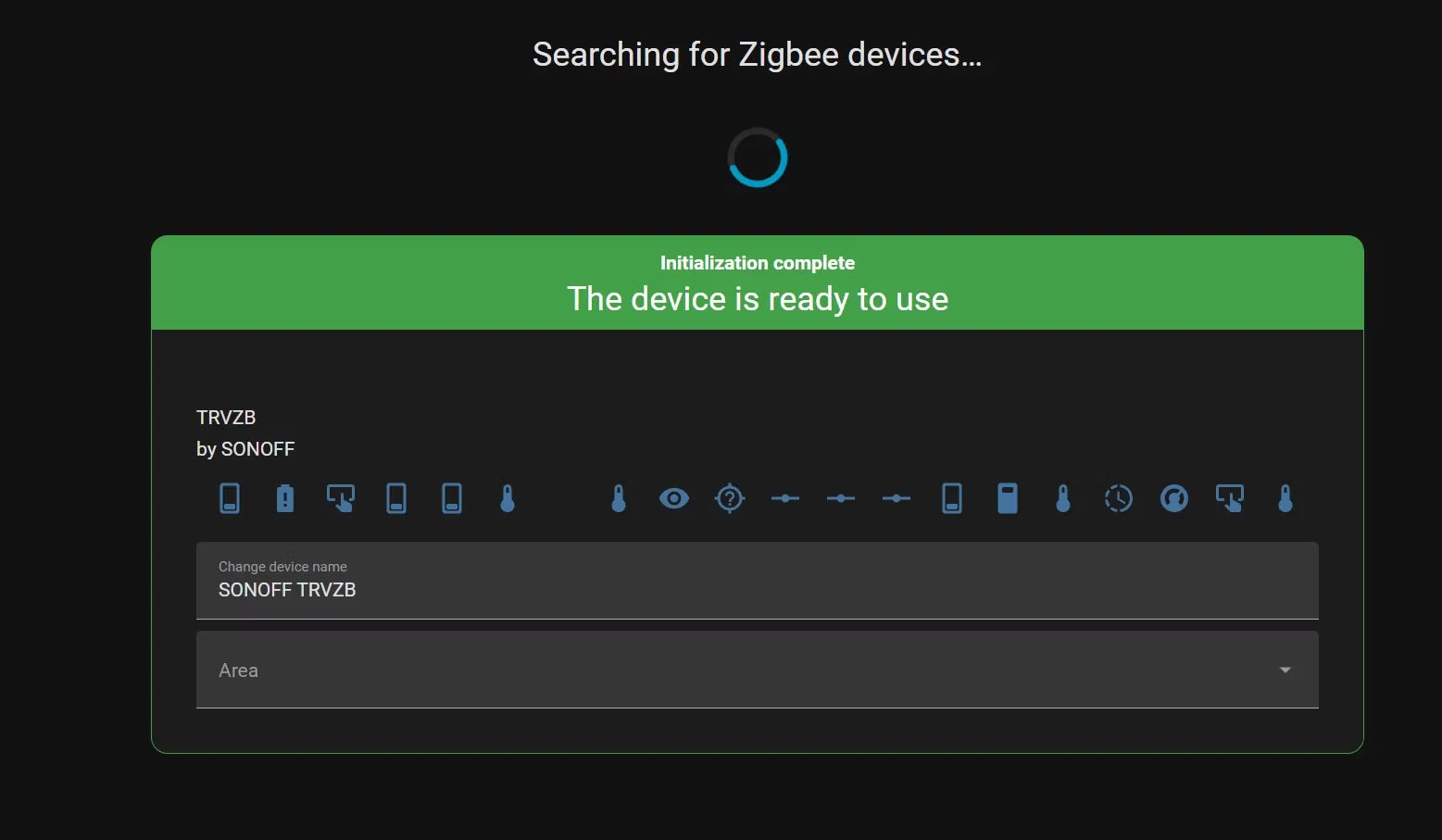
- Go to Settings → Devices & Services → ZHA → Devices and open the TRV page. Check its climate entity and available controls. Depending on support, these allow temperature adjustment, heating-activity monitoring, HVAC mode changes, battery tracking and automation creation.
Pair through Zigbee2MQTT
Before setup, confirm support in the official Zigbee2MQTT supported devices list.
- Click “Permit Join” in the Z2M dashboard to allow new devices onto the network.
- Put the TRV into pairing mode as described above, holding the pairing button until it broadcasts.
- Rename the device and check that its climate entities appear in Home Assistant.
- Z2M creates the climate entities automatically after pairing; rename them in HA if needed for clarity.
Practical heating automations
With TRVs connected, schedules, occupancy, window status and room demand can guide heating. These routines can limit heating in empty rooms, improve temperature consistency and reduce unnecessary energy use.
Room-specific schedules
Use a Schedule Helper to alternate between comfort and eco temperatures for each room. Bedrooms, living spaces and home offices need not share one heating timetable. Examples include lowering bedroom temperatures overnight, warming the living room before morning, reducing heat during work hours and switching to eco late at night.
Open Settings → Devices & Services → Helpers → Create Helper → Schedule. Use that schedule as an automation trigger or condition to change the TRV target temperature.
Pause heating for open windows
Combine a TRV with a door or window sensor. When a window opens, lower the target temperature or select a supported eco or off mode. After it closes, restore the previous temperature following a short delay.
Direct window-state detection is usually more reliable than detecting a temperature drop alone because it responds immediately. Built-in open-window detection is available on some valves, but methods, timeouts and settings vary.
Reduce heating when rooms are empty
Presence or occupancy detection can switch selected TRVs to eco after inactivity, restoring the normal setpoint when someone returns or the room is expected to be used. This suits intermittently occupied living rooms, irregular home-office schedules, guest rooms and whole-home away mode.
Include a delay before reducing the temperature so brief inactivity does not cause unnecessary adjustments.
Run the boiler according to demand
With a compatible central-heating boiler controller, TRVs can supply room-level demand signals rather than relying on a fixed boiler schedule. Depending on the model and integration, useful entities include HVAC action, heating state, heating demand or valve position.
- A TRV signals that its room needs heat.
- Home Assistant checks demand from the other rooms.
- If any room requires heating, it activates the boiler or heating relay.
- Once no rooms need more heat, the boiler can return to standby.
Most Zigbee TRVs expose HVAC action states such as heating / idle, which can support this approach, but verify your model's entities. Frequent switching can reduce efficiency and affect performance: use suitable delays or minimum run times, and retain the boiler manufacturer's safety controls.
Temperature accuracy and external sensors
A TRV's built-in sensor sits near the radiator pipe, so it tends to report a higher temperature than the room while heating is active. Adjusting Local Temperature Offset in Home Assistant can improve accuracy.
An external room sensor is not always necessary, but often improves comfort and provides more reliable control, particularly in bedrooms, nurseries and home offices.
For TRVZB, the source notes that external-sensor support is currently available in the eWeLink ecosystem when the valve is added to a ZBBridge-P/ZBBridge-U. The eWeLink app then lets you select SNZB-02D, SNZB-02WD or SNZB-02P as the external temperature sensor.
Internet outages versus Home Assistant downtime
Locally integrated Zigbee TRVs can retain schedules, temperature control and automations without internet access, as long as Home Assistant and the Zigbee network stay online. Local integration also supports heating-history and battery monitoring.
Home Assistant going offline is different:
- Schedules stored only in HA, including time-based automations, stop. The valve may retain its last setpoint or take no further action until HA returns.
- A TRV with its own onboard schedule can continue following it independently.
- Demand-based boiler automations stop because HA supplies both the decision logic and command delivery.
As a fallback, program a basic daily schedule directly on the TRV through its interface or ZHA configuration, and reserve Home Assistant for advanced overrides and presence control.
Understanding valve movement and residual heat
Small valve movements are often normal. TRVZB and some other models continuously refine the opening percentage to maintain stable temperatures instead of switching only fully open or closed.
If adjustments become excessive, check these possible causes:
- Aggressive temperature calibration
- Poor sensor placement
- Rapid changes in room temperature
- Strong drafts near the radiator
Closing the valve does not instantly remove radiator heat. Hot water remains inside, so residual heating can continue and the room may warm slightly for a short period.
Adaptive algorithms and PID-style control address this behavior. PID (Proportional-Integral-Derivative) control smoothly varies the opening between 0-100% rather than simply switching on and off, preventing temperature overshoot and keeping the room steadier.
Start with a room schedule, adjust the temperature offset, and expand into more advanced local control as needed.

